
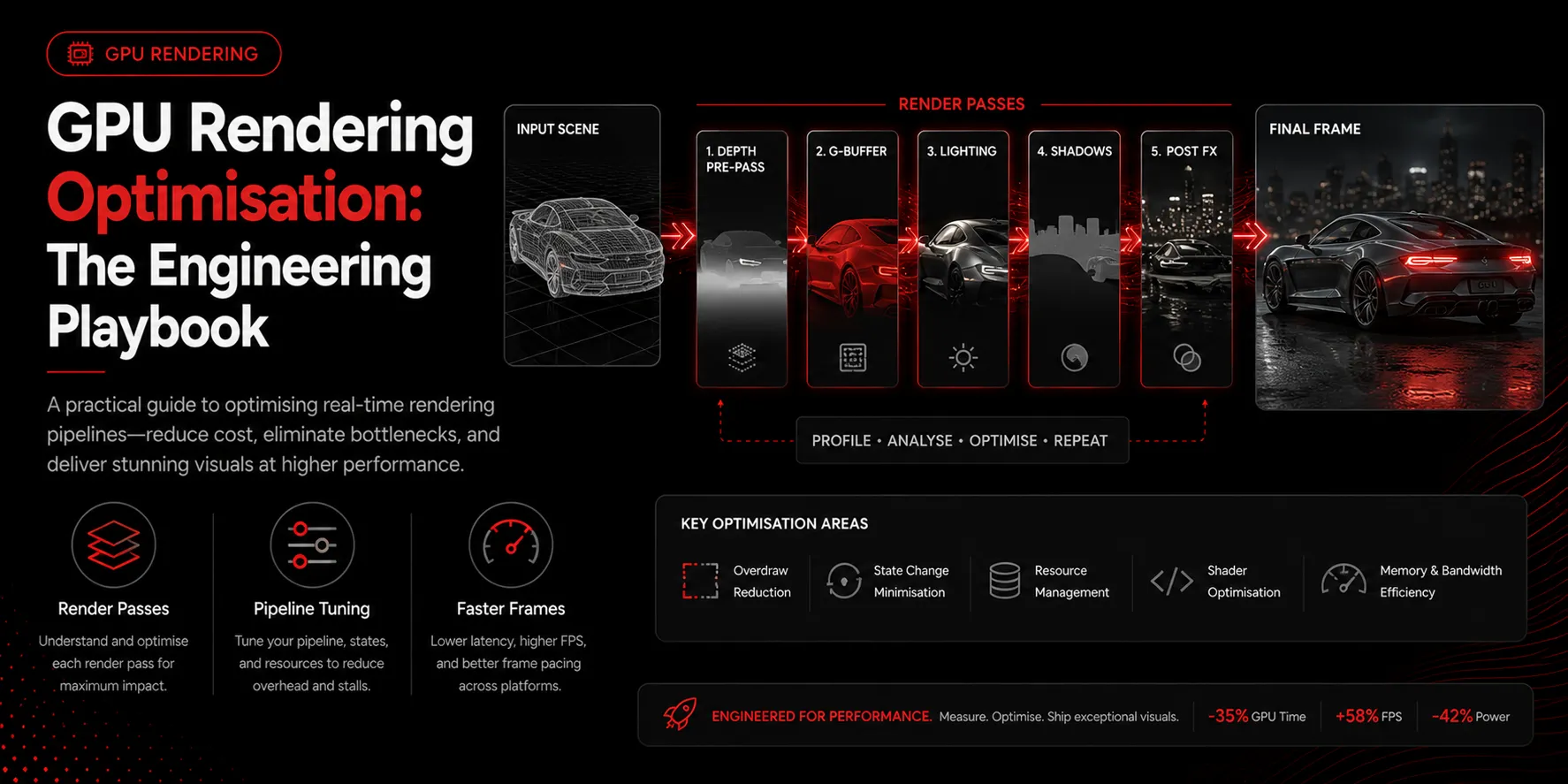
Smooth rendering is about consistent frame time, not peak frame rate. This playbook covers the levers that most reliably reduce it.
Cut draw calls with batching
Every draw call has CPU overhead. Rendering thousands of small objects individually makes the CPU, not the GPU, the limit. Batch objects that share materials and use instancing for repeated geometry so the GPU draws many copies from one call.
Skip work you cannot see
The fastest work is the work you never do. Frustum culling removes objects outside the camera, occlusion culling removes objects hidden behind others, and level of detail reduces the complexity of distant objects. Together they cut wasted rendering dramatically.
Profile per render pass
A frame is built from passes: shadow, geometry, lighting, post-processing. Use a GPU frame debugger to measure each. Optimization effort should follow the most expensive pass. Teams often tune shadows when post-processing is the real cost.
Balance the pipeline
A frame can be CPU-bound, vertex-bound, or fragment-bound. Overdraw, drawing the same pixel many times, is a common fragment-stage culprit. Reducing transparent overlap and simplifying expensive shaders addresses it directly.
Aim for stable frame time
A steady 16.6ms frame feels better than a rate that swings between fast and slow. Optimize the worst frames, not the average.
Key takeaways
- Batch and instance to reduce CPU-side draw calls
- Cull and use level of detail to skip invisible work
- Profile each render pass and fix the most expensive one
- Reduce overdraw to relieve the fragment stage
- Optimize for stable frame time, not peak frame rate