
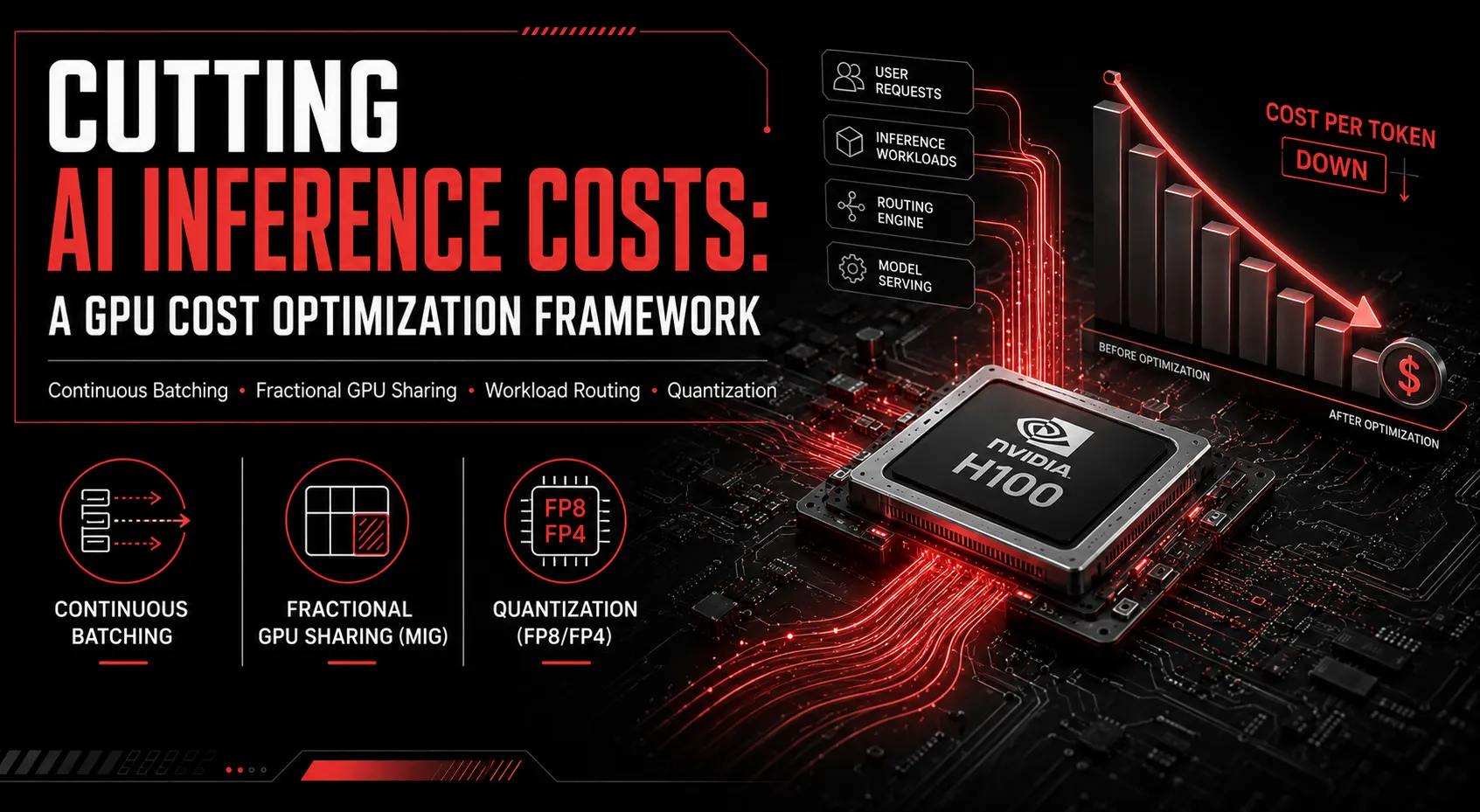
Inference has overtaken training as the primary driver of GPU spend for most AI companies in 2026, which means the question keeping VPs of Engineering and CFOs up at night has shifted from “how do we get more compute” to “why is our GPU bill so high when utilization looks fine.” Usually, it’s because you’re paying for allocation, not utilization.
The core problem: allocation vs. utilization
A GPU reserved for a workload bills you for 24/7 access regardless of how much of that capacity you actually use. It’s common for production inference fleets to run at a fraction of peak throughput while still incurring full hourly cost: the gap between what you’re paying for and what you’re using is often the single largest line item in an AI infrastructure budget.
A framework, in order of effort
1. Turn on continuous batching. If you’re not already running vLLM, TensorRT-LLM, or SGLang with continuous batching enabled, this is the lowest-effort, highest-impact change available, often delivering a multiple-times throughput improvement on the same hardware with no architectural changes.
2. Right-size with fractional GPU sharing. Not every workload needs a full GPU. MIG (Multi-Instance GPU) partitioning lets smaller models share a single card instead of monopolizing one, which matters a lot when a 7B-parameter model is running alone on a full H100 or B200.
3. Route non-SLA traffic to spot or reserved capacity. Async workloads (embeddings, batch summarization, scheduled enrichment jobs) can tolerate interruption and don’t need on-demand pricing. Keep only latency-sensitive, SLA-bound traffic on premium capacity.
4. Apply quantization, once the above are in place. FP8 (H100 and Blackwell) and FP4 (Blackwell only) both increase effective throughput per GPU-hour, but they should come after batching and right-sizing; precision changes carry quality risk that batching and scheduling changes don’t.
What realistic savings look like
Applied in this order (batching, right-sizing, workload routing, then quantization), meaningful cost reductions are achievable within weeks, without re-architecting the underlying model or retraining anything. The biggest single lever is almost always batching and utilization, not hardware precision.
Measuring what actually matters
Cost per million tokens (or cost per request, depending on your workload) is the metric that should drive optimization decisions, not GPU-hour cost in isolation. A more expensive GPU that delivers proportionally more throughput can have a lower cost per token than a cheaper GPU running at low utilization. This is part of why “should I move from H100 to B200” isn’t answerable without first knowing your actual utilization on the hardware you have today.
Where teams get stuck
Most teams can identify that their GPU bill feels too high. Fewer have the tooling or expertise to diagnose exactly where the waste is (whether it’s batching configuration, engine choice, quantization opportunity, or simply over-provisioned capacity), and even fewer have bandwidth to fix it without disrupting production traffic.
Ensigncode’s AI Inference Optimization service is built to close that gap: profiling actual utilization, applying batching and quantization tuning, and right-sizing infrastructure to real traffic patterns. If your GPU bill feels disconnected from your actual usage, book a free consultation and we’ll help you find out why.