
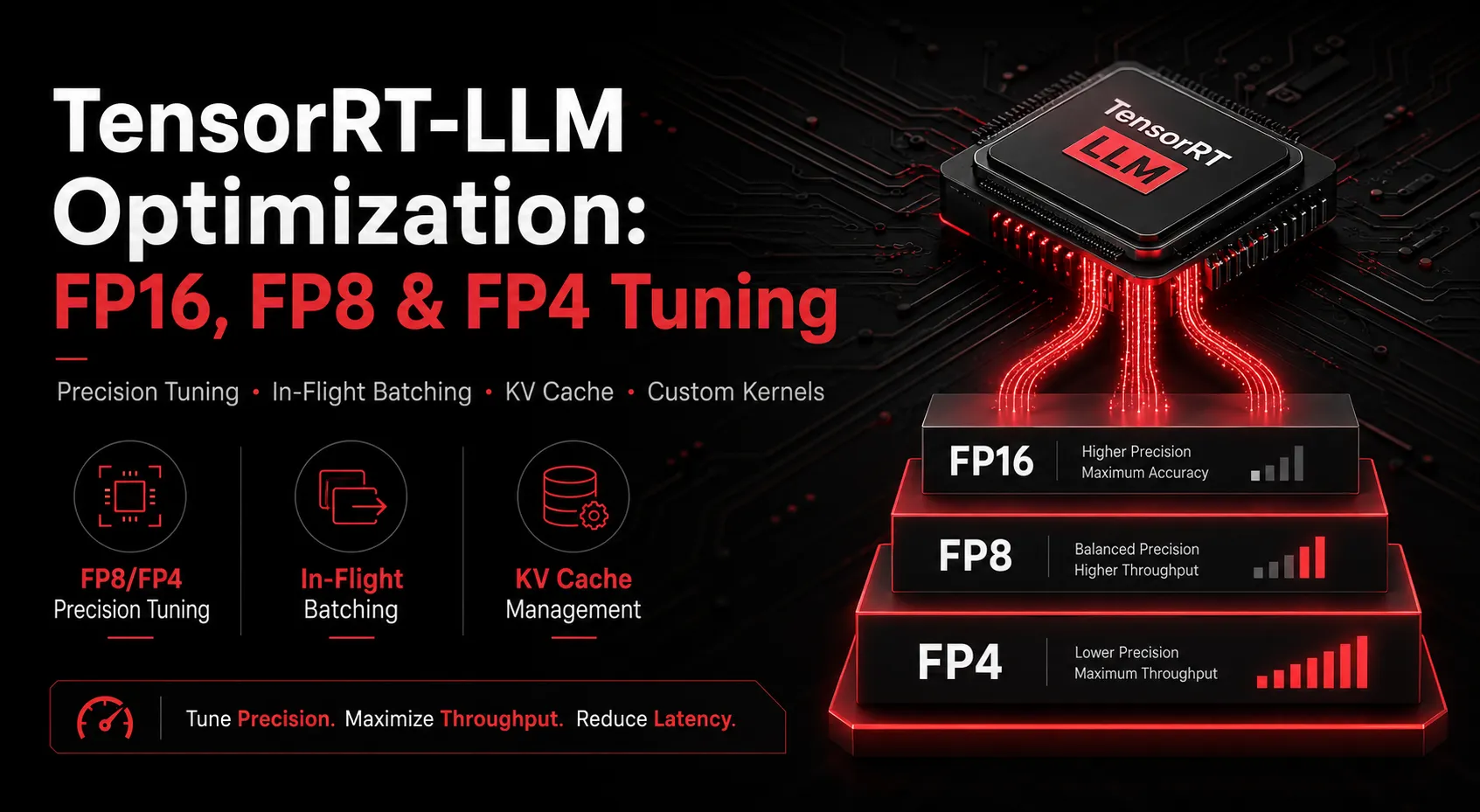
TensorRT-LLM is NVIDIA’s purpose-built inference engine for large language models, and it’s become one of the two dominant serving stacks in production (alongside vLLM) for teams chasing maximum throughput per GPU. Getting the most out of it requires more than just installing it; it requires tuning decisions at nearly every layer of the stack.
Why TensorRT-LLM, and when
TensorRT-LLM is optimized specifically for NVIDIA hardware, with tight integration into precision formats like FP8 and FP4, custom attention kernels, and in-flight batching. It generally delivers the highest raw throughput of the major serving engines, at the cost of somewhat less operational flexibility than vLLM; engine builds are more hardware- and configuration-specific, and iteration can be slower during development.
The tradeoff is usually worth it once you’re at production scale and throughput-per-dollar is the metric that matters most.
Precision tuning inside TensorRT-LLM
FP16/BF16 is the safe default with no quality risk, but leaves throughput on the table on modern hardware.
FP8 is well-established on both Hopper (H100) and Blackwell GPUs, delivering a solid throughput increase over FP16 with minimal quality impact on most instruction-tuned models. This should be the default starting point for most production deployments in 2026.
FP4, available natively on Blackwell (B100/B200/B300), pushes throughput further still, but requires careful validation against your own eval suite, since quantization error is higher than FP8. TensorRT-LLM’s quantization toolkit (calibration, per-channel scaling) matters a lot here; a poorly calibrated FP4 model can lose meaningfully more quality than a well-calibrated one at the same bit width.
Beyond precision: engine-level tuning
- In-flight batching: TensorRT-LLM’s equivalent of continuous batching, letting new requests join a batch mid-generation rather than waiting for the current batch to finish. Tuning batch size limits here directly trades off latency against throughput.
- KV cache management: page size, cache reuse across requests with shared prefixes, and cache eviction policy all affect how many concurrent requests a given GPU can serve.
- Custom attention kernels: for non-standard attention variants (sliding window, grouped-query attention with unusual configurations), default kernels may not be optimal, and custom kernel work can close that gap.
- Multi-GPU engine builds: tensor parallelism configuration for models too large for a single GPU needs to be tuned to your specific GPU topology, not just your model size.
A common mistake: over-indexing on one lever
Teams often chase precision reduction as the single fix for throughput problems, when batching configuration or KV cache tuning would deliver a larger gain with less quality risk. The right approach profiles the actual serving pipeline first, rather than assuming precision is always the bottleneck.
Getting TensorRT-LLM tuned right
Between precision calibration, batching configuration, and hardware-specific engine builds, there’s a lot of surface area to get wrong, and small misconfigurations can quietly cost a large fraction of available throughput.
Ensigncode’s TensorRT Optimization service handles this end-to-end: precision strategy, batching and KV cache tuning, and custom kernel work where the defaults fall short. Book a free consultation if you’re running or planning a TensorRT-LLM deployment.