
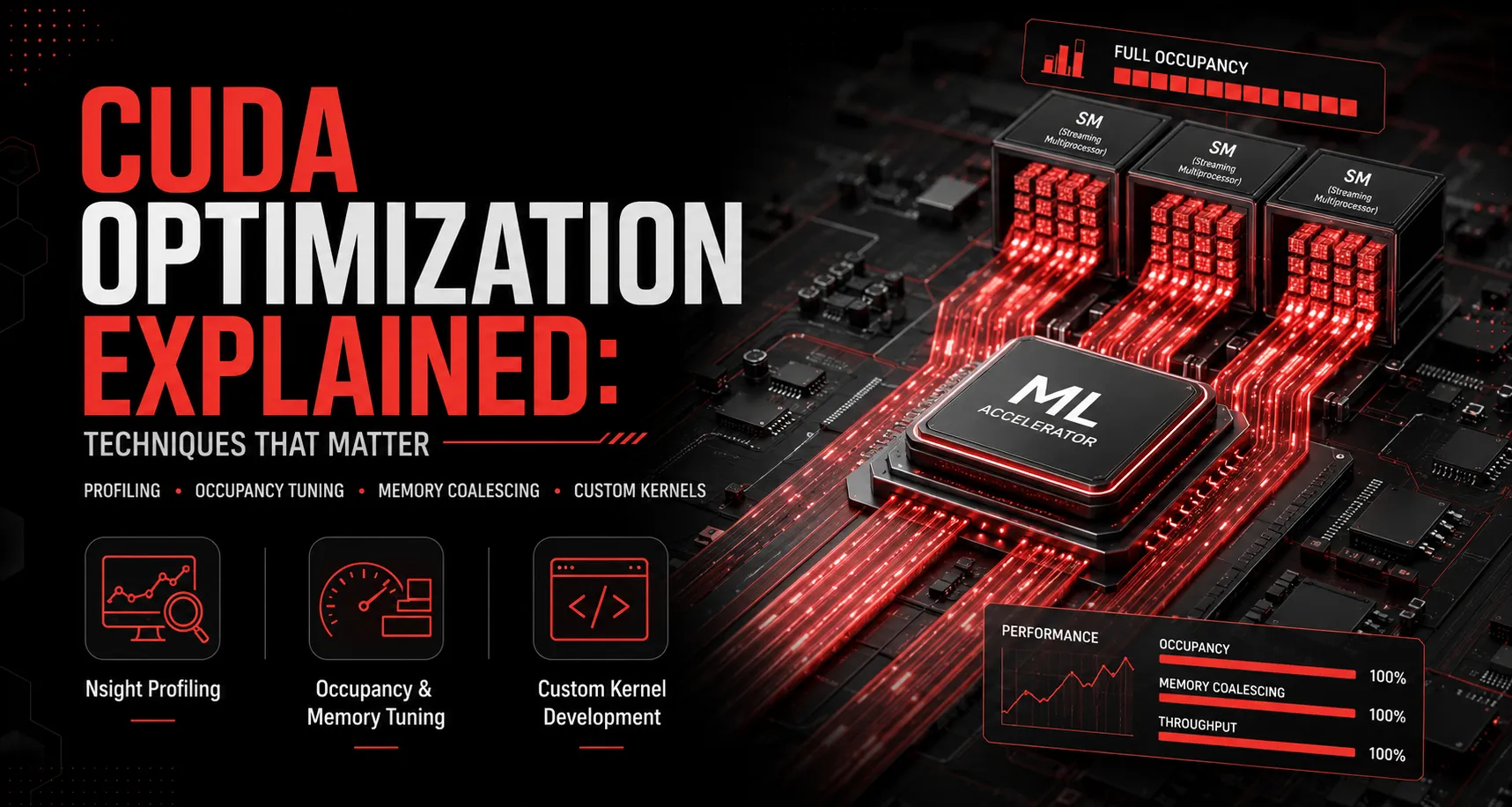
“CUDA optimization” gets used as a catch-all term, but in practice it covers a fairly specific set of techniques, and most teams only ever apply one or two of them before assuming they’ve hit a hardware ceiling. Here’s what CUDA optimization actually involves, and where the real gains tend to come from.
Start with profiling, not guessing
The single biggest mistake in CUDA optimization is tuning based on intuition instead of data. A kernel that “feels” compute-bound might actually be memory-bound, or bottlenecked by launch overhead rather than the computation itself. NVIDIA’s Nsight Systems (for system-wide timeline analysis) and Nsight Compute (for per-kernel deep dives) tell you exactly where time is going before you change a single line of code.
The core optimization techniques
1. Occupancy tuning. GPUs achieve peak throughput when their streaming multiprocessors are kept busy with enough concurrent warps to hide memory latency. Kernels launched with poorly chosen block and grid dimensions often leave SMs underutilized, a fix that requires no new hardware, just correct kernel configuration.
2. Memory coalescing. GPU memory is fastest when threads in a warp access contiguous memory addresses together. Scattered or misaligned memory access patterns can silently cut effective bandwidth by a large factor, even on the newest hardware.
3. Reducing host-device data transfer. PCIe (or even NVLink) transfers between CPU and GPU are orders of magnitude slower than on-GPU memory access. Restructuring a pipeline to minimize unnecessary transfers, keeping data resident on the GPU across multiple operations, is often a bigger win than any single kernel-level tweak.
4. Kernel fusion. Combining multiple small operations into a single kernel reduces launch overhead and intermediate memory writes. This is especially valuable in deep learning pipelines with many small elementwise operations chained together.
5. Precision selection. Using the lowest precision your workload can tolerate (FP8 on Hopper and Blackwell, FP4 on Blackwell) is one of the highest-leverage optimizations available, since it directly increases effective throughput per GPU-hour.
6. Library vs. custom kernels. cuBLAS, cuDNN, and similar NVIDIA libraries are highly optimized for common operations, but they’re general-purpose. Custom-shaped operations, non-standard attention patterns, or fused operations specific to your model often benefit meaningfully from hand-written or generated custom kernels.
A realistic tuning order of operations
- Profile to find the actual bottleneck (compute, memory, or overhead)
- Fix the largest bottleneck first; chasing a small compute optimization while a memory bottleneck dominates wastes engineering time
- Apply precision reduction where your eval suite supports it
- Address occupancy and memory access patterns at the kernel level
- Consider custom kernel development only after library-level and configuration-level options are exhausted
- Re-profile after every change; optimizations can interact in non-obvious ways
Why this is a specialized skill
CUDA optimization sits at the intersection of GPU architecture knowledge, compiler behavior, and the specific numerical characteristics of your model, which is why it’s rarely someone’s full-time job inside a product engineering team, even at companies running substantial GPU infrastructure.
Ensigncode’s CUDA Engineering and CUDA Performance Profiling services exist to close exactly this gap, finding real bottlenecks and fixing them at the kernel level, rather than relying on generic configuration changes. If your GPU workloads feel like they should be faster than they are, book a free consultation.