
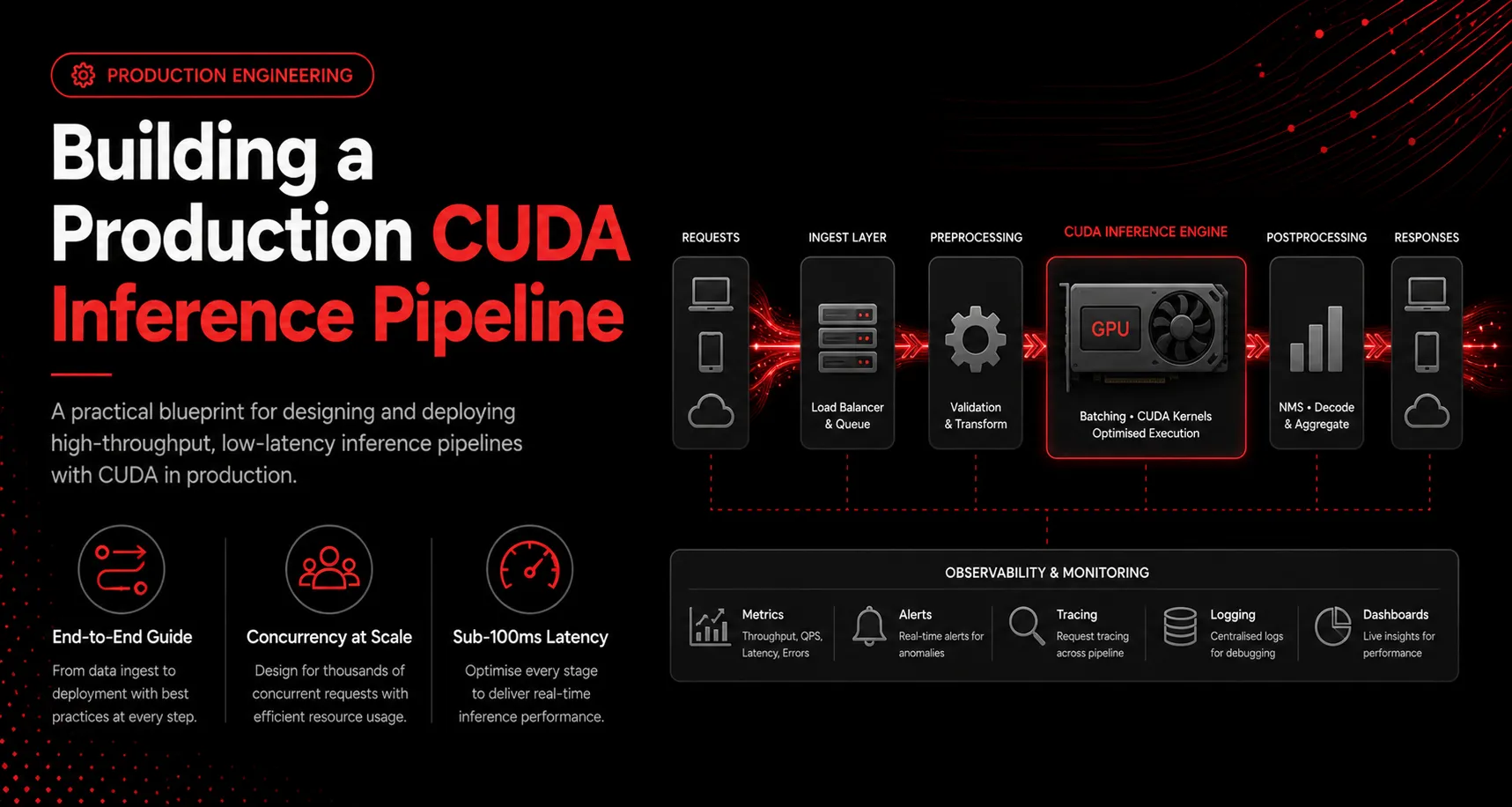
Moving a model from a research notebook to a service that answers thousands of requests per second is an engineering problem, not a modeling one. This guide walks through the parts of a production CUDA inference pipeline that actually determine latency and cost.
Start with the engine, not the framework
Running a raw PyTorch model in production leaves performance on the table. Convert the model to an optimized inference engine such as TensorRT or ONNX Runtime with a CUDA execution provider. This step fuses layers, selects fast kernels, and enables reduced precision such as FP16 or INT8, often delivering 2x to 5x more throughput before you write any serving code.
Batch requests to feed the GPU
GPUs are throughput devices. Serving one request at a time wastes most of the hardware. A dynamic batching layer collects incoming requests for a few milliseconds, runs them as one batch, and splits the results. The trick is balancing batch window against your latency budget so you fill the GPU without making users wait.
Overlap work with CUDA streams
Data transfer and compute can happen at the same time. Use pinned host memory and multiple CUDA streams so that while one batch computes on the GPU, the next batch is copying in and the previous one is copying out. This overlap is often the difference between 60 percent and 95 percent GPU utilization.
Manage memory deliberately
Allocate device buffers once and reuse them. Repeated cudaMalloc and cudaFree calls fragment memory and stall the pipeline. A pool of preallocated buffers sized for your maximum batch keeps the hot path allocation-free.
Measure the whole path
Latency lives in the tail. Profile the end-to-end path, preprocessing, transfer, inference, and postprocessing, not just the kernel. The bottleneck is frequently on the CPU side or in serialization, not in the model itself.
Key takeaways
- Convert to an optimized engine before optimizing serving code
- Use dynamic batching sized to your latency budget
- Overlap transfer and compute with pinned memory and streams
- Preallocate and reuse device buffers
- Profile the full request path, not just the kernel