
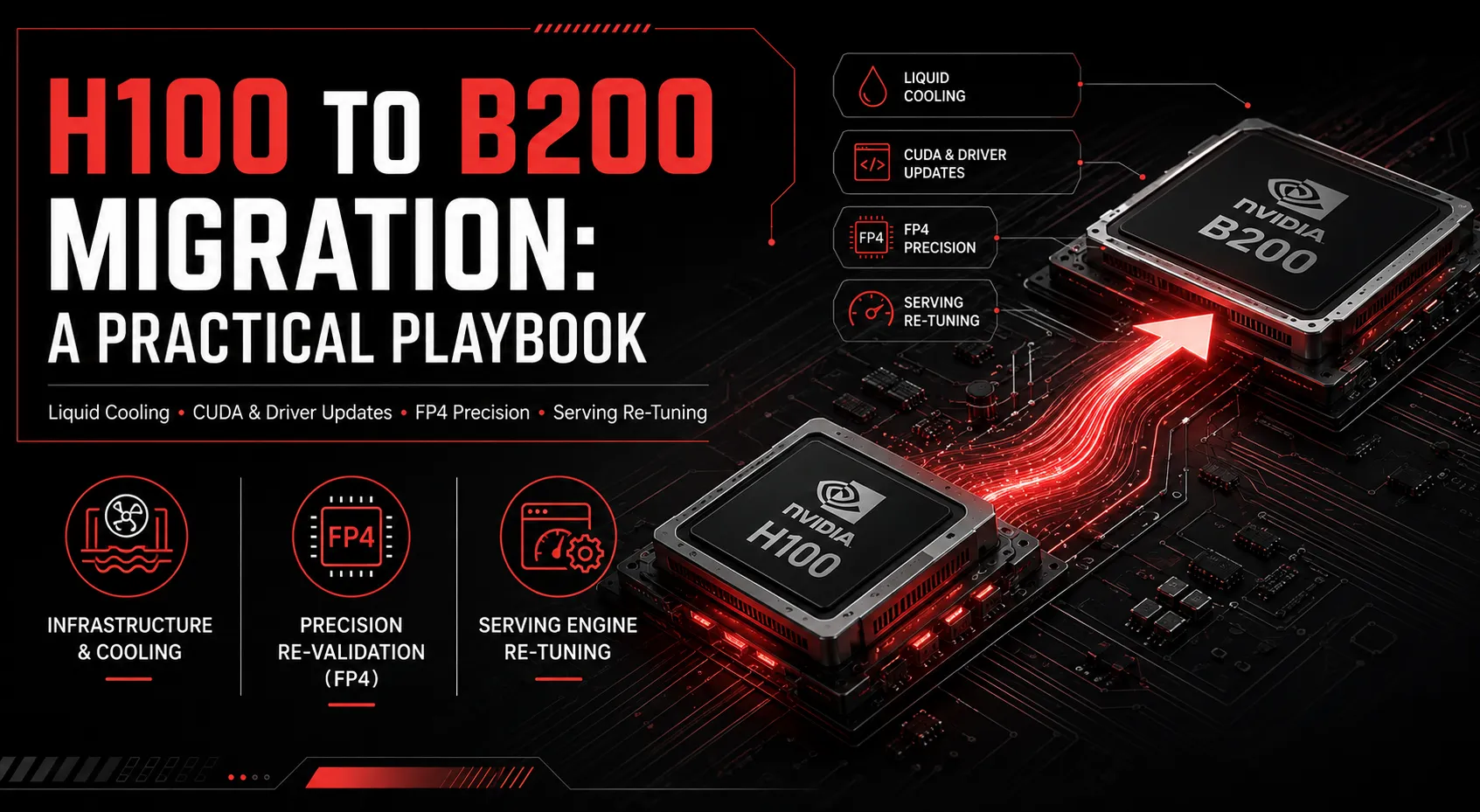
Once a team decides B200 is the right move, the migration itself is where good intentions run into practical friction: infrastructure requirements, software compatibility, and re-tuning work that a straight hardware swap doesn’t automatically account for. Here’s what an H100-to-B200 migration actually involves.
Infrastructure changes you can’t skip
Cooling. B200’s power density requires liquid cooling in most deployment configurations: a straightforward air-cooled H100 rack cannot simply be repopulated with B200 cards. This is frequently the single biggest surprise for teams planning a migration on a tight timeline.
Power delivery. Blackwell-generation GPUs draw meaningfully more power per card than H100. Existing power distribution, sized for H100-era racks, often needs to be reassessed before B200 deployment.
Networking and interconnect. If you’re moving toward NVLink 5-based multi-GPU or rack-scale configurations (including GB200 NVL72), interconnect topology planning needs to happen before hardware arrives, not after.
Software and model compatibility
CUDA and driver versions. Blackwell requires a current CUDA toolkit and driver version. Older environments built around H100-era CUDA versions will need updating, which can surface compatibility issues in existing custom kernels or dependencies.
Precision strategy needs re-evaluation. An FP8 configuration tuned for H100 doesn’t automatically carry over optimally to B200, and skipping FP4 entirely on Blackwell hardware leaves a major performance lever unused. Migration is the natural point to re-run precision validation from scratch.
Serving engine configuration. vLLM and TensorRT-LLM configurations tuned for H100’s memory and bandwidth characteristics need to be re-tuned for B200’s larger memory pool and different bandwidth profile: batch sizes and KV cache settings calibrated for 80GB don’t make sense on 192GB.
Parallelism strategy. Tensor and pipeline parallelism configurations designed around H100’s per-GPU memory constraints may no longer be necessary, or may need restructuring, given B200’s larger per-GPU memory footprint.
A phased migration approach
- Benchmark your current H100 fleet thoroughly before migrating, so you have a real baseline to validate the migration against, not just an assumption that B200 will be faster.
- Pilot on a small B200 allocation rather than migrating all capacity at once, given ongoing supply constraints and pricing volatility.
- Re-tune precision and batching from scratch rather than porting H100 configurations directly.
- Validate quality against your eval suite at every precision level you adopt, especially if you’re introducing FP4 for the first time.
- Plan for a hybrid period. Most teams run H100 and B200 side by side for a transition window rather than a clean cutover; plan serving infrastructure to handle both.
Where migrations commonly stall
The most common cause of a disappointing B200 migration isn’t the hardware; it’s carrying over H100-tuned configurations unchanged and being surprised the expected performance gain doesn’t fully materialize. B200 rewards workloads that are re-tuned for its specific memory and precision characteristics, not ones that are simply pointed at new hardware.
Ensigncode helps teams plan and execute this migration end-to-end, from infrastructure assessment through B200 tuning and GPU Engineering. If you’re planning a move from H100 to Blackwell, book a free consultation before you commit to a rollout timeline.