
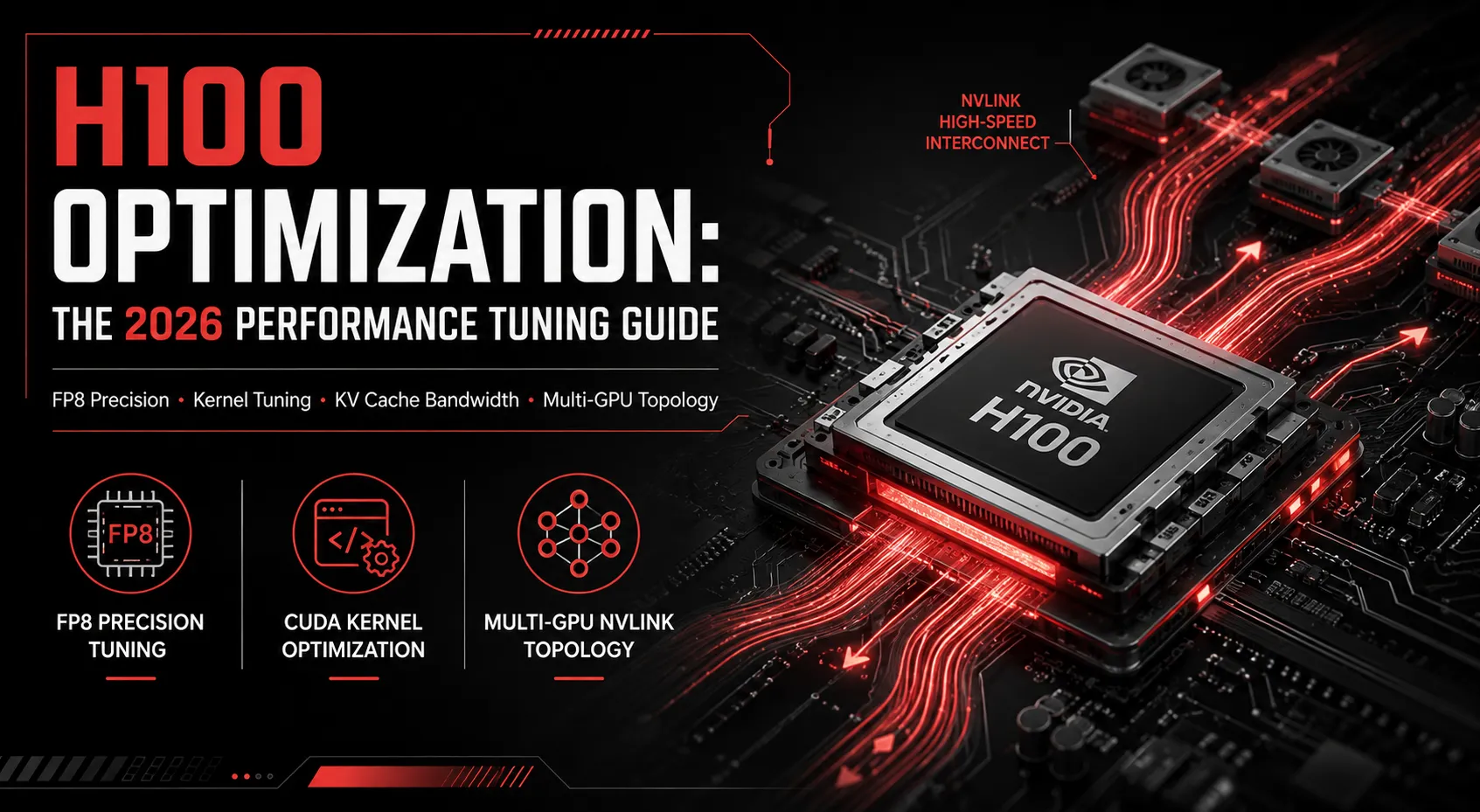
The NVIDIA H100 is no longer the newest GPU on the market, but for most AI teams it’s still the workhorse, and in 2026, with Blackwell supply constrained and B200 pricing volatile, getting more out of the H100 fleet you already own is often the fastest path to lower cost per token. H100 optimization isn’t about chasing a bigger GPU. It’s about closing the gap between the H100’s theoretical throughput and what your workload is actually achieving.
Why most H100 clusters run below their real capacity
In production, it’s common to see H100 utilization sitting well below peak, not because the hardware is underpowered, but because the software stack around it isn’t tuned. The usual culprits:
- Low kernel occupancy: kernels launched with block/grid configurations that don’t fill the H100’s streaming multiprocessors
- Memory-bound operations: workloads bottlenecked on HBM3 bandwidth rather than compute, often from unnecessary data movement between host and device
- Poor batching: inference servers running small, unbatched requests instead of continuous batching
- Precision mismatch: running FP32 or FP16 where FP8 would deliver equivalent output quality at higher throughput
Where H100 tuning delivers the biggest wins
1. Precision tuning. The H100’s Transformer Engine supports native FP8, and most instruction-tuned LLMs tolerate FP8 with negligible quality loss. Moving from FP16 to FP8 typically unlocks a meaningful throughput gain on the same card, with no additional hardware spend.
2. Kernel-level tuning. Custom CUDA kernels, or tuned calls into cuBLAS/cuDNN, written specifically for your model’s shapes often outperform generic library defaults, especially for non-standard attention patterns or custom layers.
3. Memory bandwidth optimization. KV cache management is one of the highest-leverage areas for LLM serving on H100. Techniques like PagedAttention (via vLLM) reduce fragmentation and let you serve more concurrent requests from the same memory footprint.
4. Multi-GPU topology tuning. For multi-H100 nodes, NVLink and NCCL configuration matters as much as per-GPU tuning. Misconfigured collective communication can quietly cap throughput on a full node.
5. Serving engine choice. vLLM, TensorRT-LLM, and SGLang all extract different amounts of performance from the same H100 hardware. Engine choice should be workload-specific: a high-throughput batch job and a low-latency chat interface don’t want the same serving stack.
A practical tuning checklist
- Profile before you touch anything: use Nsight Systems and Nsight Compute to find the actual bottleneck (compute, memory, or launch overhead) instead of guessing.
- Check SM occupancy and identify underutilized kernels.
- Test FP8 quantization against your eval suite before shipping it to production.
- Enable continuous batching and PagedAttention if you’re on vLLM.
- Re-benchmark after every change; tuning is cumulative, and it’s easy to regress one metric while improving another.
When it’s time to bring in specialists
Generic tuning guides get you partway there. The remaining gains (custom kernel development, workload-specific quantization strategy, and multi-GPU topology tuning) usually require CUDA engineering experience most in-house teams don’t have on staff full-time, since it’s a narrow specialty that doesn’t come up often enough to justify a dedicated hire.
Ensigncode’s CUDA Performance Profiling and AI Inference Optimization services are built exactly for this: finding where your H100 fleet is leaving performance on the table and closing that gap without requiring new hardware. If you’re running H100s in production and suspect you’re not getting full value from them, book a free GPU consultation.